
 Understand the workflow provisions around SharePoint, Office365, Windows Azure used to improve business process automation, collaboration and productivity.
 Read how Service Delivery (automation, data governance, data processing, support), aligns to Information Assurance (IA) and concerns all content management systems.
 Read how Office365 includes Service Assurance providing resources to carry out risk assessments and audits, and includes a wealth of reports covering security, and the relevant legislation.
 Read how Web Analytics improves the usability of the SharePoint solution, drives collaboration, boosts ROI (Return On Investment); and thus enhances the overall productivity of SharePoint users
 Read how a usable SharePoint solution needs to take into consideration the service standards applicable like design, development, commonality, consistency, tools and cross platform standards.
  Read how automation of an enterprise solution including Maintainability, Availability, Resiliency and Supportability using multiple technologies requires an adoption of an suite that allows you flexibility.
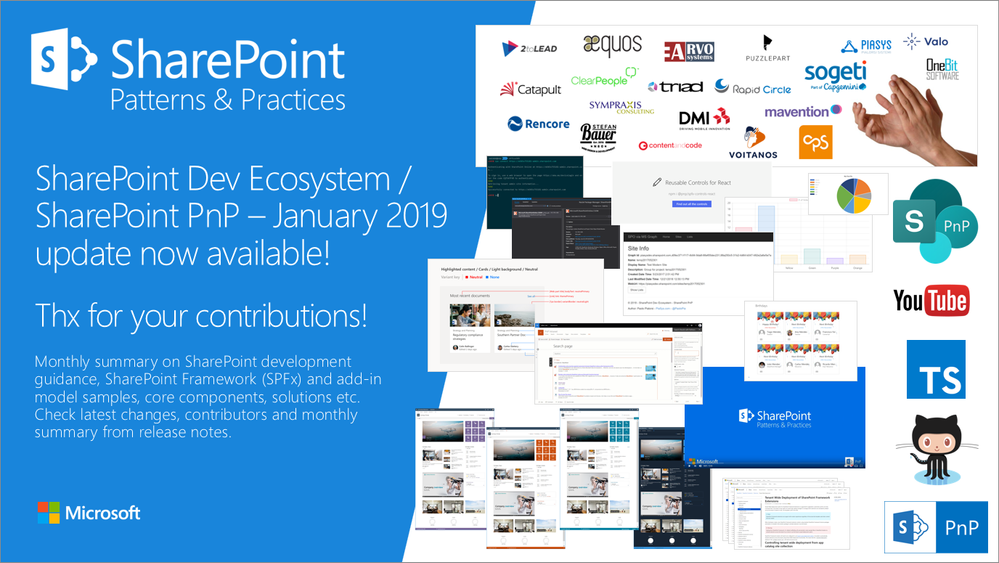
SharePoint Dev Ecosystem / SharePoint PnP – January 2019 update now available
Latest monthly summary of SharePoint Development guidance for SharePoint Online and on-premises now available from the Office 365 Dev Blog. Check the latest news, samples and other guidance from this summary. SharePoint Dev Ecosystem / SharePoint...
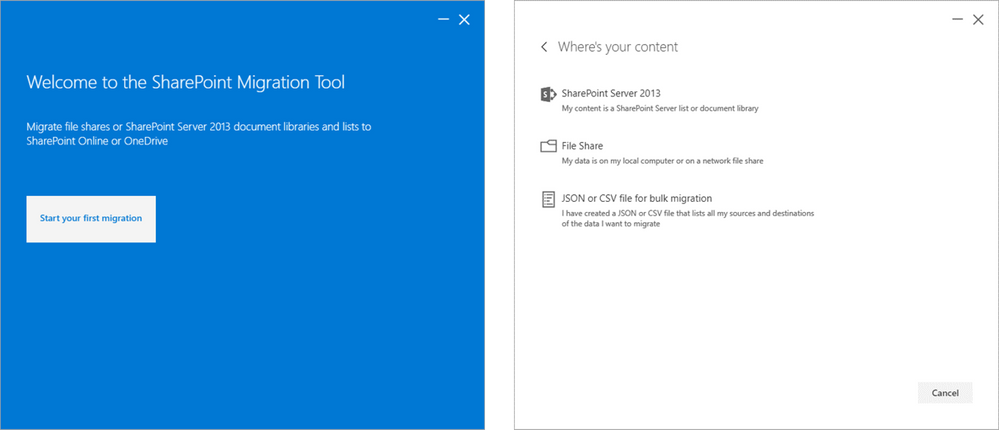
Kick start the new year and your cloud migration with new SharePoint Migration Tool improvements
We’re excited to announce new improvements to the SharePoint Migration Tool for the month of January. Designed to be used for migrations ranging from the smallest set of files to a large scale enterprise migration, the SharePoint Migration Tool will let...
Kick start the new year and your cloud migration with new SharePoint Migration Tool improvements
We’re excited to announce new improvements to the SharePoint Migration Tool for the month of January. Designed to be used for migrations ranging from the smallest set of files to a large scale enterprise migration, the SharePoint Migration Tool will let...

SharePoint Requirements Analysis Guide
SharePoint User Requirements Analysis is vital; the corner stone in developing, deploying and providing a properly managed SharePoint environment. Because User Requirements is a very important area, you must have on board the relevant people resources that are...
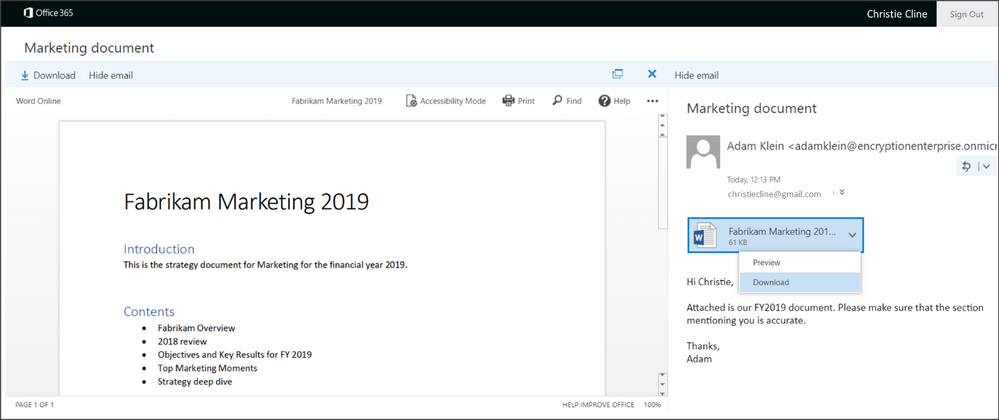
Admin control for attachments now available in Office 365 Message Encryption
EDITORS NOTE 1/3/2019 We have updated the blog to reflect that we've expanded the ability to control if Office attachments are protected for recipients inside Office 365 - previously this was only supported for non-Office 365 users. Changes are reflected below in...
Admin control for attachments now available in Office 365 Message Encryption
EDITORS NOTE 1/3/2019 We have updated the blog to reflect that we've expanded the ability to control if Office attachments are protected for recipients inside Office 365 - previously this was only supported for non-Office 365 users. Changes are reflected below in...
Admin control for attachments now available in Office 365 Message Encryption
EDITORS NOTE 1/3/2019 We have updated the blog to reflect that we've expanded the ability to control if Office attachments are protected for recipients inside Office 365 - previously this was only supported for non-Office 365 users. Changes are reflected below in...
Admin control for attachments now available in Office 365 Message Encryption
EDITORS NOTE 1/3/2019 We have updated the blog to reflect that we've expanded the ability to control if Office attachments are protected for recipients inside Office 365 - previously this was only supported for non-Office 365 users. Changes are reflected below in...
Admin control for attachments now available in Office 365 Message Encryption
EDITORS NOTE 1/3/2019 We have updated the blog to reflect that we've expanded the ability to control if Office attachments are protected for recipients inside Office 365 - previously this was only supported for non-Office 365 users. Changes are reflected below in...
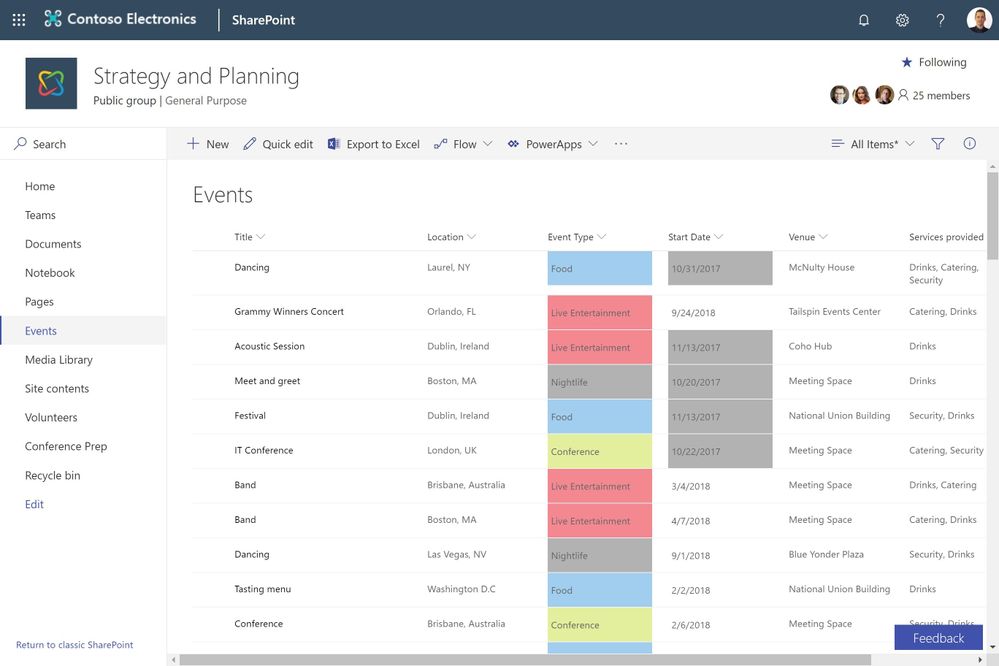
New no code solutions for custom formatting in SharePoint
We've been on a journey to modernize user experiences throughout SharePoint. Lists and libraries are the primary containers for data and content, enriched with custom metadata. Previously, we introduced column formatting, which lets you cut and...
 |
 |
 |
 |
 |
 |
 |
 |
 |
 |